Corporate Headshots
 Business Headshots
 Real Estate Headshots
 Actor Headshots
 Model Headshots
 Halloween Photos
 Christmas Photos
 Graduation Photos
 Professional Headshots
  LinkedIn Headshots
  Corporate Headshots
 Business Headshots
 Real Estate Headshots
 Actor Headshots
 Model Headshots
 Halloween Photos
  Christmas Photos
 Graduation Photos
Your LinkedIn profile picture is more than just a photo - it's a personal branding tool that can influence how employers, recruiters, and clients perceive you. In a world where digital first impressions matter, having a polished, professional LinkedIn profile picture can significantly improve your chances of connecting with opportunities.
Why Your LinkedIn Profile Picture Matters
Your face appears next to every comment, connection request, and job application. That's why selecting the right LinkedIn headshot or LinkedIn photo is crucial - it helps others trust and remember you.
Studies show that a clear, professional LinkedIn profile photo increases profile views and connection requests. Recruiters rely heavily on visuals, making LinkedIn headshots more important than ever.
Understanding What Makes a Great LinkedIn Profile Picture
1. Lighting, Posing, and Framing
Good lighting can elevate your appearance significantly. Natural lighting works well, but professional setups used in LinkedIn headshots often create cleaner results.
2. Background Selection
A clean, professional background enhances your image. Many people now use a custom LinkedIn profile picture background to create consistency across platforms.
3. Expression and Wardrobe
A confident, friendly expression is key. That's why many opt for a professional LinkedIn photo to capture the right mood.
LinkedIn Headshots vs. Casual Photos
1. Why Professional Matters
Regular photos simply don't convey the same level of confidence and authority as professional headshots. A polished image communicates that you take your personal brand seriously.
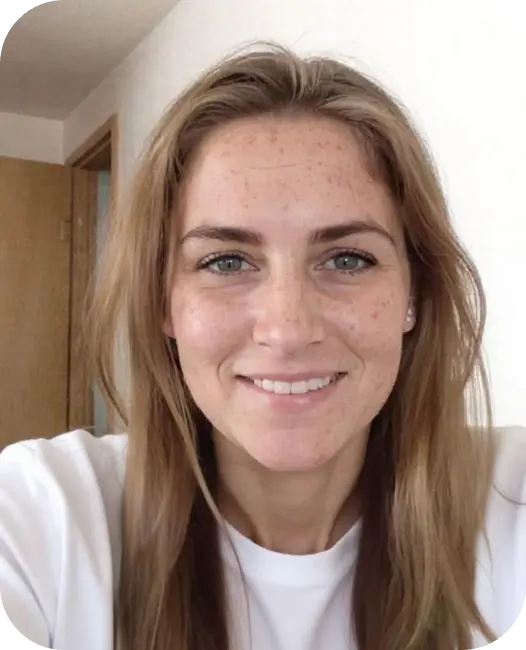
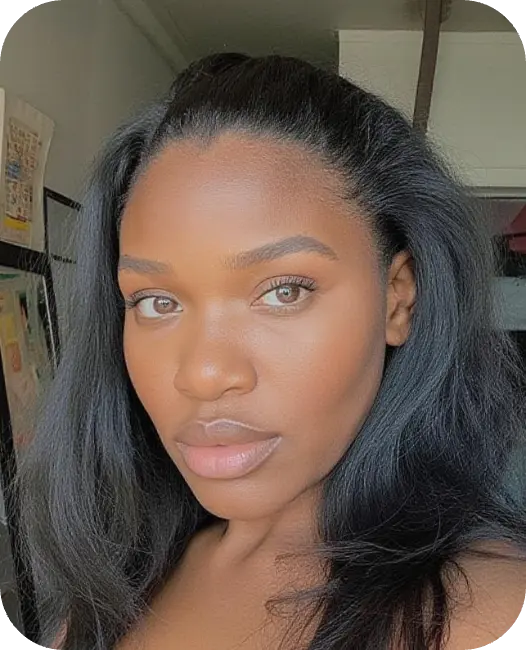
2. Comparing LinkedIn Photos to Everyday Pictures
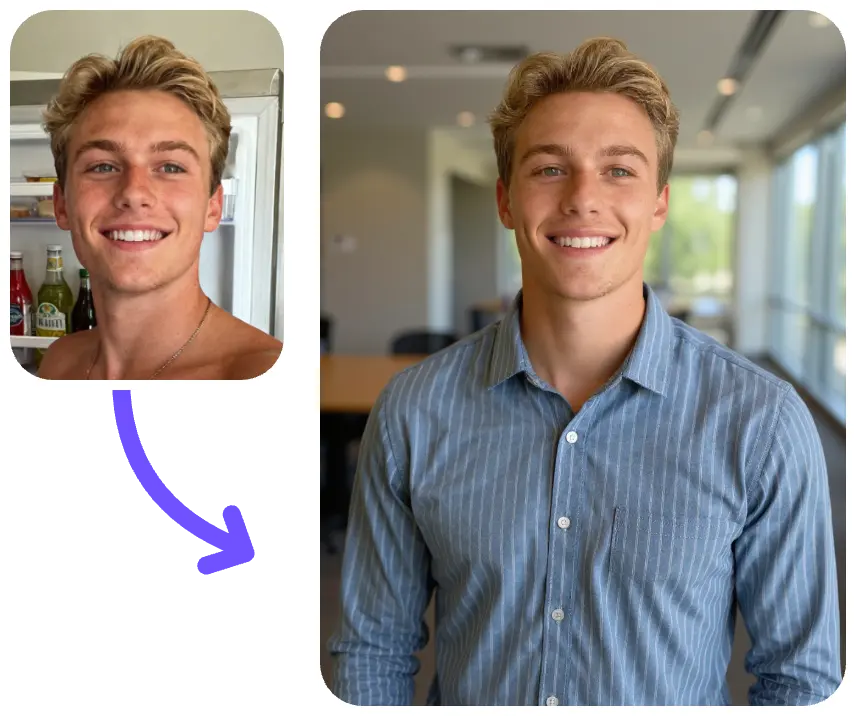
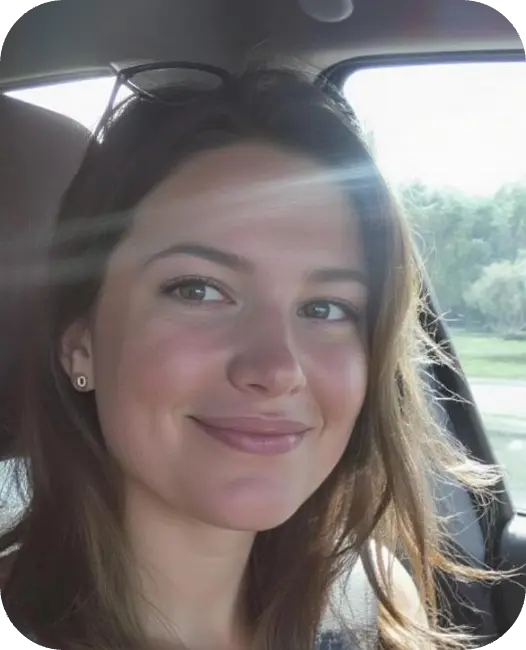
Everyday selfies rarely meet the standards of the best LinkedIn profile pictures. Professional or AI-enhanced photos provide clarity, balance, and professionalism.
Benefits of AI LinkedIn Headshots
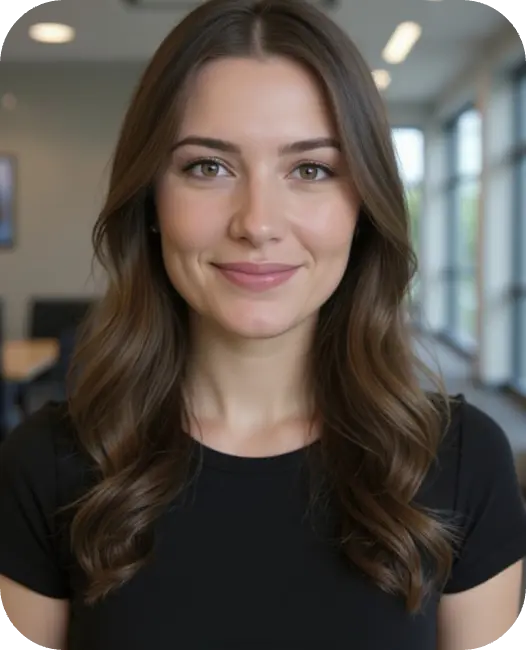
Tools that create AI LinkedIn photos and AI LinkedIn headshots have surged in popularity because they generate studio-quality results without a photoshoot.
Affordable
Fast
Multiple style options
AI headshot generator allows you to create AI generated LinkedIn profile picture results that look clean, modern, and consistent.
How to Prepare for a LinkedIn Photoshoot
- Clothing
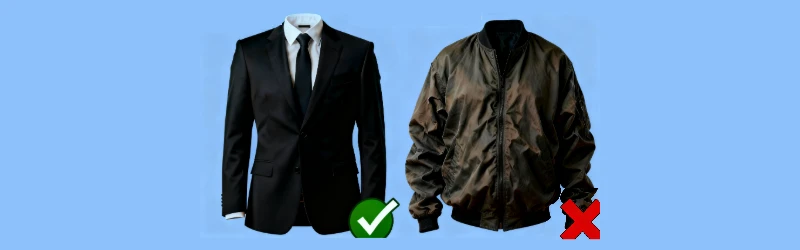
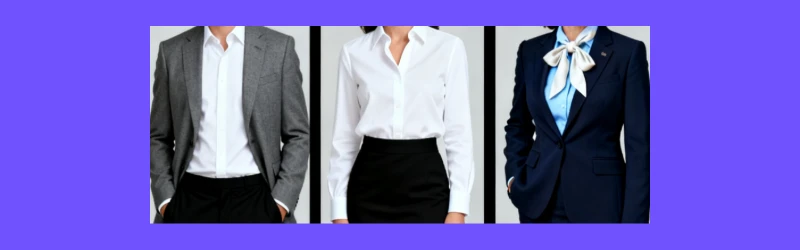
What to wear for headshots? Neutral, solid colors photograph best during a LinkedIn photoshoot.
- Grooming
Your hair should be tidy. Clean grooming conveys professionalism.
- Expression Practice
Practice expressions beforehand—it makes a difference in your final LinkedIn photo.
1. Professional LinkedIn Profile Picture Background Ideas
- Minimalist & Clean Backgrounds
A simple white or grey professional background for LinkedIn profile picture works for most industries.
- Color Psychology in Backgrounds
Blue conveys trust. White conveys clarity. Understanding this helps when creating your LinkedIn profile picture background.
2. Common Mistakes in LinkedIn Photos
- Over-Editing
Too much editing makes images look artificial, especially for LinkedIn headshots.
- Wrong Angle
Eye-level shots work best for creating great LinkedIn profile pictures.
- Distracting Backgrounds
Avoid busy environments; they reduce professionalism in LinkedIn photos.
3. Best Practices for LinkedIn Profile Photos
- Cropping and Sizing
Your face should occupy 60% of the frame.
- Resolution Requirements
A high-resolution LinkedIn profile photo ensures clarity across devices.
AI LinkedIn Headshot Tools – What to Look For
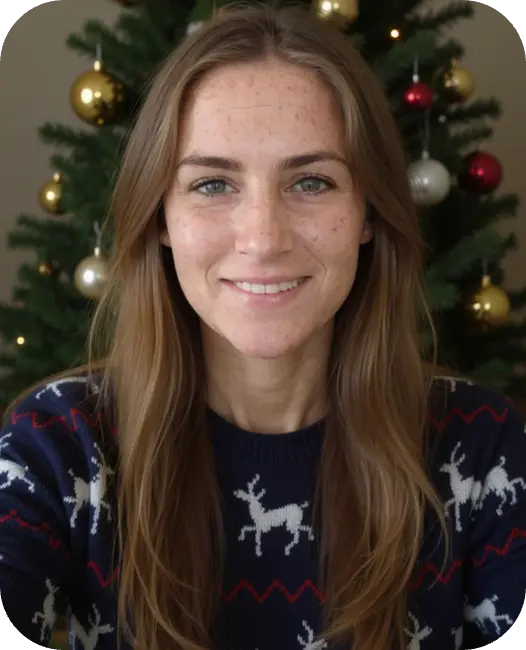
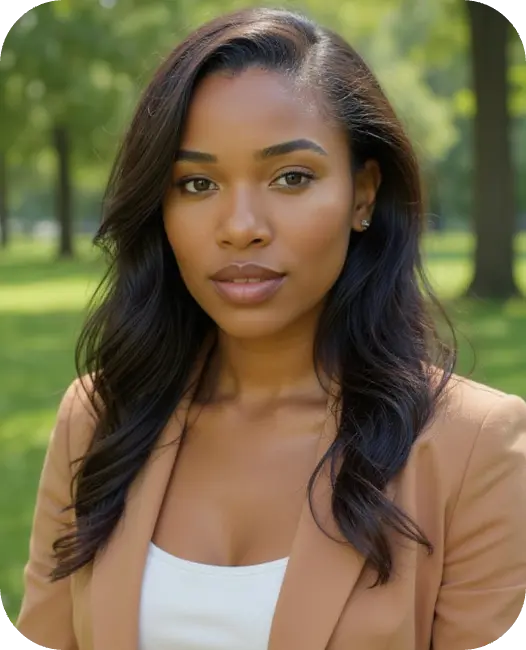
HeadshotAI is a professional online AI tool that helps you generate perfect headshots. It not only outputs high-quality headshots but also allows you to quickly convert selfies into headshots online.
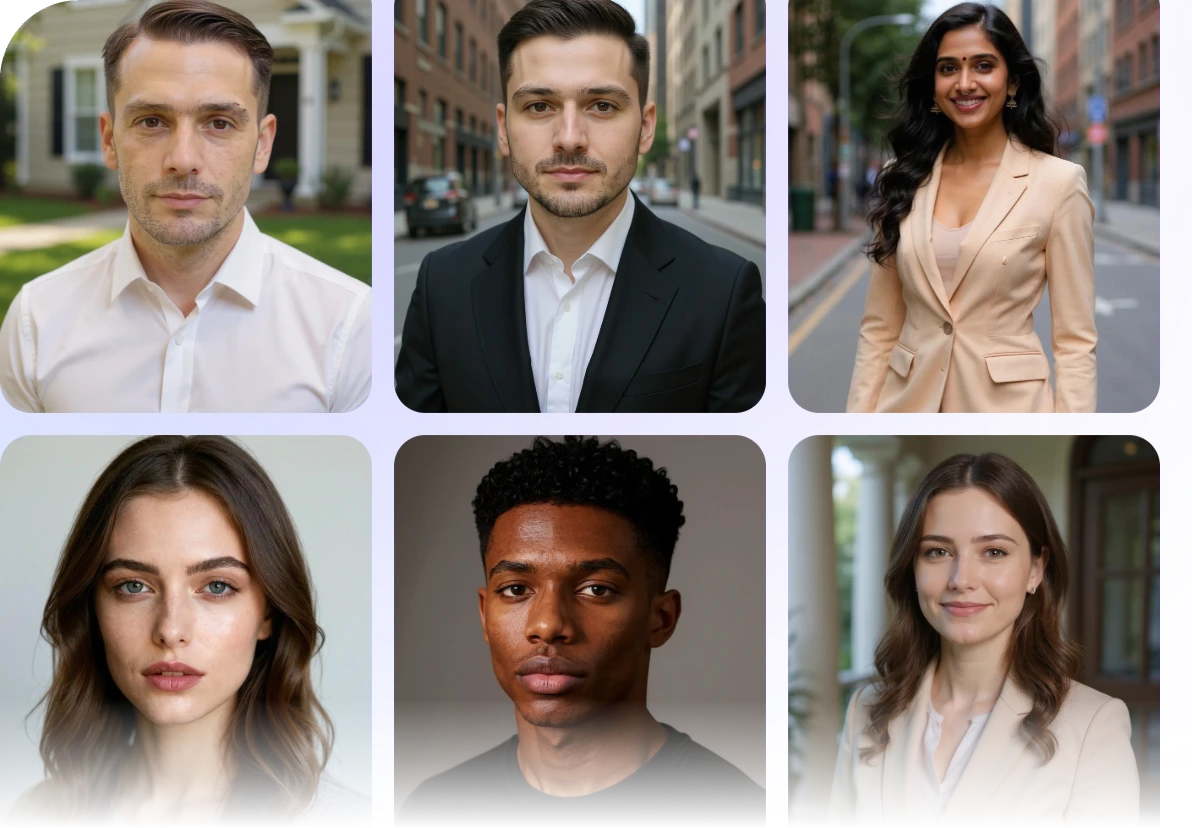
- Multiple Headshots Styles: Professional, Business, LinkedIn, Actor, Model, etc.
- Studio-quality headshots, Instant Results.
- Popular AI Styles: Christmas, Halloween, Graduation Photos, and more updated regularly.
- Simple steps at home - only 1/10 the cost of traditional photography.

Benefits
- HeadshotAI creates studio-quality AI LinkedIn photos and AI LinkedIn profile pictures in minutes.
- Choose from dozens of modern corporate looks, creative poses, and polished LinkedIn headshots.
- Unlike basic generators, HeadshotAI provides: lifelike skin texture, multiple outfits, realistic lighting.
It's the perfect tool if you want the best LinkedIn profile pictures without scheduling a photoshoot. It also works as a free AI headshot generator for LinkedIn trial option, making it accessible for everyone.
If you're searching for the easiest way to elevate your LinkedIn profile picture, HeadshotAI is the solution.

FAQs
How often should I update my LinkedIn profile picture?
Every 1–2 years or whenever your appearance changes significantly.
Do AI LinkedIn photos look realistic?
Yes—modern AI tools like HeadshotAI produce highly realistic results.
What background works best for LinkedIn?
Neutral or professional backgrounds are ideal, especially for a professional background for LinkedIn profile picture.
Should I hire a photographer for LinkedIn headshots?
You can, but AI tools now create results comparable to professional LinkedIn headshots.
What is the fastest way to get a professional LinkedIn photo?
AI tools like HeadshotAI deliver results within minutes.
Conclusion
Your LinkedIn profile picture plays a powerful role in shaping your digital reputation. Whether you choose a professional photographer, a styled LinkedIn photoshoot, or an AI-powered tool, make sure your image reflects confidence and professionalism.
AI technology has made it easier than ever to produce polished LinkedIn headshots, and HeadshotAI stands out as one of the most reliable tools available. With just a few uploads, you can create stunning AI LinkedIn photos and transform your personal brand instantly.









 15% cost savings